
Custom Website vs WordPress in 2026: Performance, SEO, Security, and Total Cost Breakdown
Should your business build on WordPress or invest in a custom Next.js web application? A detailed breakdown of speed, security vulnerabilities, SEO, and total cost of ownership.
Mr. Vikash Yadav
Co-Founder & CEO, BounceTech Solutions
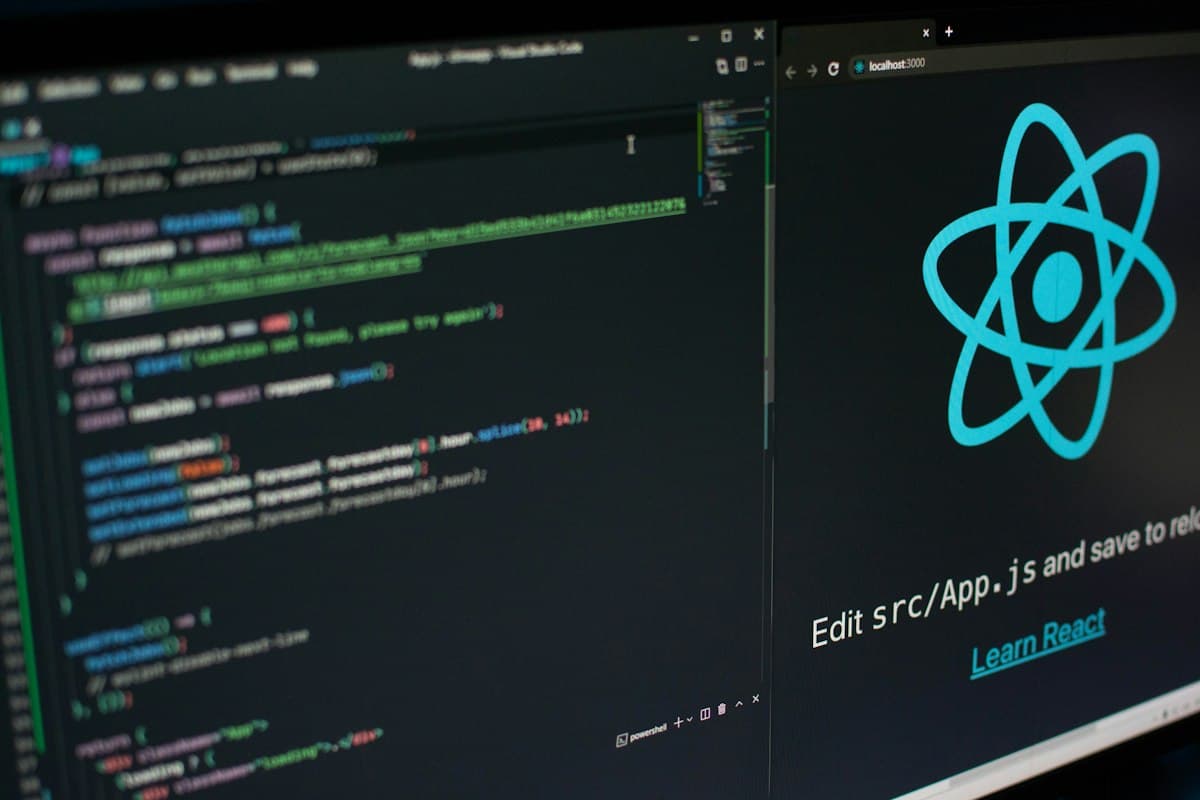
- ✓WordPress powers 40% of the web, but reliance on heavy plugins and PHP database queries causes severe Core Web Vitals and security challenges.
- ✓Custom Next.js websites deliver sub-second page loads, near-zero database vulnerability surfaces, and superior Google search visibility.
- ✓While WordPress has a lower day-one setup cost, ongoing plugin subscriptions, security patching, and hosting upgrades often make it more expensive over 3 years.
- ✓Headless architectures offer the ideal compromise: content editors keep a familiar CMS dashboard while visitors enjoy a blazing-fast custom React frontend.
Custom Next.js vs. WordPress at a Glance
When launching or redesigning a business website, founders and marketing heads face a critical crossroads: build quickly on WordPress, or invest in a bespoke custom web application using modern frameworks like Next.js and React?
| Comparison Metric | WordPress (Standard PHP/Plugins) | Custom Website (Next.js / TypeScript) |
|---|---|---|
| Average Page Load Time | 2.8 - 5.5 seconds | < 0.8 seconds (Sub-second) |
| Security Vulnerabilities | High (Over 90% of CMS hacks target WP plugins) | Near Zero (Static CDN assets, no public SQL port) |
| Google Core Web Vitals | Difficult to optimize; prone to layout shifts | 100/100 Lighthouse performance out-of-the-box |
| Design Flexibility | Constrained by theme templates and page builders | 100% bespoke bespoke UI, tailored animations |
Performance & Core Web Vitals
Every time a visitor lands on a traditional WordPress site, the server must execute dozens of PHP scripts, query a MySQL database multiple times, load external CSS/JS from 15 different plugins, and stitch the HTML together before sending a single byte. On mobile 4G connections, this creates noticeable lag.
In contrast, a custom Next.js application prerenders static HTML at build time and distributes it globally via Edge Content Delivery Networks (CDNs). When a user clicks your link in New York, London, or Tokyo, the page serves instantly from the nearest regional server cache, delivering instant First Contentful Paint (FCP) and superior Core Web Vitals.
Security Vulnerabilities & Plugin Dependencies
According to cybersecurity reports from Sucuri and Wordfence, over 90% of all infected CMS websites are powered by WordPress, with the vast majority stemming from abandoned or vulnerable third-party plugins. A single unpatched slider or form plugin can expose your database to SQL injection and malware redirects.
Custom Next.js applications eliminate this attack surface entirely. There is no public /wp-login.php, no vulnerable plugin directory, and no direct database queries exposed to the public internet.
Total Cost of Ownership (3-Year Breakdown)
While an initial WordPress template site may cost $2,000 to set up, recurring costs quickly accumulate:
- Premium plugin licenses (Elementor, WP Rocket, ACF Pro, Security, Backup tools): $800 - $1,500/year.
- Managed WordPress hosting (WP Engine, Kinsta): $600 - $1,800/year.
- Emergency malware cleanups and broken plugin troubleshooting: $1,000 - $3,000/year.
Over 3 years, maintaining a fragile WordPress site frequently exceeds the cost of a robust, custom-engineered Next.js application that runs on low-cost serverless infrastructure with zero plugin subscription fees. Discover how our Web Development Services help businesses migrate smoothly.
Questions People Frequently Ask
Is WordPress bad for SEO in 2026?
WordPress itself is not bad for SEO, but heavy themes and 20+ conflicting plugins bloat code, hurt mobile speed, and ruin Core Web Vitals (LCP, INP, CLS), which Google directly uses as ranking factors.
Can I migrate my existing WordPress posts to a custom Next.js site?
Yes. We use the WordPress REST API or GraphQL to export all posts, pages, categories, and media into a modern Next.js static site, mapping exact URLs and 301 redirects so you preserve 100% of your SEO rankings.
Can non-technical team members still edit content on a custom website?
Yes. Custom Next.js websites can be connected to headless CMS platforms (like Sanity, Strapi, or Headless WordPress), giving your marketing team a visual, non-technical dashboard to publish blogs and update copy without touching code.
Written by Engineering Expert
Mr. Vikash Yadav
Vikash leads business strategy and digital product transformation at BounceTech Solutions, partnering with global startups and mid-market enterprises to engineer high-performing software systems.
Keep Reading
Related Articles & Guides
 Software Development
Custom Software Development Cost in 2026: Complete Global Pricing Guide
A comprehensive pricing guide detailing the actual costs of building custom web apps, mobile solutions, and enterprise SaaS platforms in 2026.
 Web Development
Next.js vs React in 2026: Which Framework Should You Choose for Your Business?
An in-depth technical and business comparison between Next.js and pure React to help you pick the right framework for scale and SEO.
 Technical SEO
Technical SEO Checklist for Business Websites: The Complete 2026 Developer & Founder Guide
A developer-first technical SEO guide covering crawlability, canonical URL alignment, Core Web Vitals optimization, and rich schema markup for modern web applications.
Turn these architectural insights into reality.
Partner with BounceTech Solutions for custom software development, telemedicine apps, SaaS MVPs, and scalable cloud systems.