
Mobile App Security Best Practices: The OWASP Mobile Top 10 Guide
From client-side decompilation to man-in-the-middle attacks, learn how senior mobile engineers secure Flutter, React Native, and native iOS/Android applications.
BounceTech Engineering Team
Full-Stack & Cloud Engineering Team
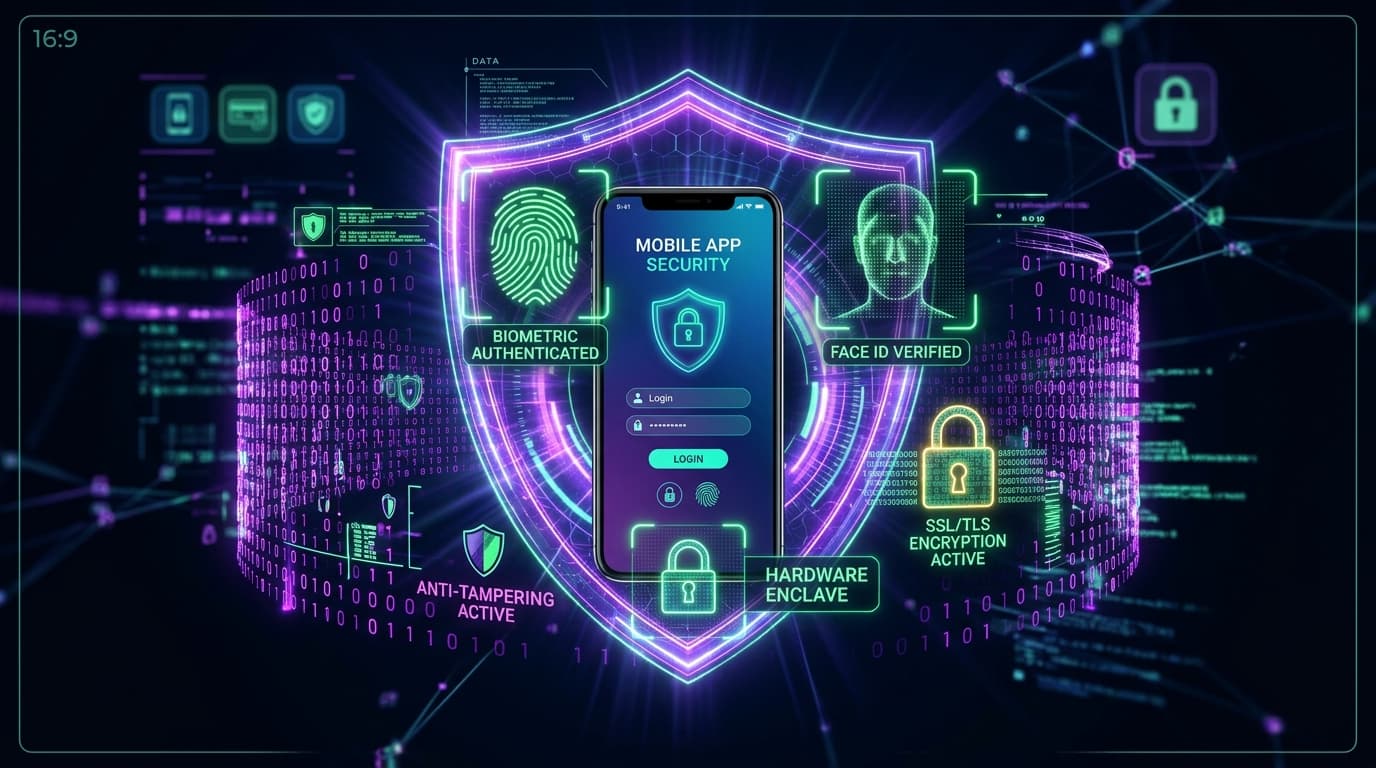
- ✓Never store plaintext authentication tokens in SharedPreferences or UserDefaults; always use hardware-backed Android KeyStore and iOS Keychain.
- ✓SSL/TLS Certificate Pinning prevents Man-in-the-Middle (MitM) attacks by hardcoding cryptographic public key hashes directly into mobile network clients.
- ✓Bytecode obfuscation via ProGuard/R8 on Android and symbol stripping on iOS dramatically raises the barrier against reverse engineering.
- ✓Implement Runtime Application Self-Protection (RASP) to detect rooted Android devices, jailbroken iPhones, and active dynamic instrumentation tools (Frida).
The 2026 OWASP Mobile Security Threat Landscape
Mobile applications execute in untrusted user environments. Unlike server backends isolated inside protected cloud data centers, a mobile binary sits directly on the user's physical device where attackers can decompile classes, hook runtime methods, manipulate memory registers, and intercept network traffic.
The OWASP Mobile Top 10 identifies the most severe vulnerabilities in modern mobile applications. Implementing a zero-trust mobile posture requires multiple defensive layers across storage, transport, and runtime execution.
1. Secure Credential Storage: iOS Keychain & Android KeyStore
The single most prevalent mobile vulnerability is storing sensitive credentials in unencrypted local storage:
- Insecure Storage Hazards: Storing JWT tokens, passwords, or PII in standard
SharedPreferences(Android) orUserDefaults(iOS) writes plaintext XML/plist files to disk. On rooted devices or backup extraction, these files are read effortlessly. - iOS Keychain Services: Sensitive credentials must be encrypted using hardware-backed Secure Enclave keys via the Keychain API with accessibility flag
kSecAttrAccessibleAfterFirstUnlockThisDeviceOnly, preventing data transfer to other devices via iCloud backups. - Android KeyStore & EncryptedSharedPreferences: Utilize Android's MasterKey system backed by Hardware Security Modules (HSM) or StrongBox to generate AES-256 GCM encryption keys that never leave hardware silicon.
2. SSL/TLS Certificate Pinning & Network Hardening
Standard HTTPS validates that a server's certificate is signed by any trusted Certificate Authority (CA) in the device's trust store. However, malicious actors can install custom root CA certificates on test devices to decrypt and inspect all API traffic using proxies like Charles or Burp Suite.
Certificate Public Key Pinning (HPKP): Hardcode the SHA-256 cryptographic hash of your server's Subject Public Key Info (SPKI) into your mobile networking client (Dio in Flutter, OkHttp in Android, URLSession in iOS). If the presented certificate public key does not match, the connection terminates instantly before any request payload is transmitted.
3. Code Obfuscation & Binary Hardening (ProGuard/R8)
Unobfuscated Android APKs can be converted back into readable Java/Kotlin source code within seconds using tools like jadx. Obfuscation renames classes, methods, and fields into unreadable randomized identifiers:
- Android R8/ProGuard: Enable minification, shrinking, and resource optimization in
build.gradle. Keep rules strict to strip debugging symbols while preserving reflective serialization models. - Flutter & React Native Bytecode: Compile Flutter apps in Release mode to ahead-of-time (AOT) machine code. In React Native, enable Hermes bytecode compilation so JavaScript source code is never packaged as human-readable plain text inside the IPA/APK bundle.
4. Runtime Self-Protection: Root, Jailbreak & Hook Detection
Runtime Application Self-Protection (RASP) routines verify device integrity prior to authenticating high-value user sessions:
- Root & Jailbreak Detection: Probe for typical binary paths (
/system/xbin/su,/Applications/Cydia.app) and verify read-write mount permissions on system partitions. - Dynamic Instrumentation (Frida) Detection: Scan runtime memory maps for injected
frida-agent.solibraries and verify that TCP port 27042 is closed. - Debugger Attachment Checks: Terminate execution if
ptracedetects an active debugging agent attached to the process thread.
5. Ephemeral Token Rotation & API Authentication
Never rely on long-lived access tokens. Design authentication with short-lived access JWTs (15-minute lifespan) paired with cryptographically secure, refresh tokens rotated upon each renewal. Pair this with device fingerprinting and App Attest (iOS DeviceCheck / Android Play Integrity API) to guarantee requests originate from genuine, unmodified hardware instances. Learn more in our Enterprise Software Architecture Services.
SSL Public Key Pinning Implementation (Dio / Flutter)
Hardcode the SHA-256 fingerprint into your network layer to prevent Man-in-the-Middle certificate spoofing:
// Flutter / Dart: Production SSL Pinning with SecurityContext
import 'dart:io';
import 'package:dio/dio.dart';
import 'package:dio/io.dart';

Dio createSecureDioClient() {
  final dio = Dio();

  (dio.httpClientAdapter as IOHttpClientAdapter).createHttpClient = () {
    final SecurityContext context = SecurityContext(withTrustedRoots: false);
    // Load pinned root CA or public certificate byte array
    // context.setTrustedCertificatesBytes(pinnedCertificateBytes);

    final HttpClient client = HttpClient(context: context);
    client.badCertificateCallback = (X509Certificate cert, String host, int port) {
      // Reject any certificate whose SHA-256 fingerprint does not match hardcoded hash
      const expectedFingerprint = "A1:B2:C3:D4:E5:F6:...";
      return cert.sha256.toString() == expectedFingerprint;
    };
    return client;
  };
  return dio;
}
This ensures proxy inspection tools like Charles or Fiddler cannot decrypt API traffic even on rooted devices.
Questions People Frequently Ask
What is SSL pinning and why is it necessary for mobile apps?
SSL pinning is a security mechanism where an application hardcodes the expected public key of the server's TLS certificate. This guarantees the client only communicates with the legitimate backend, preventing attackers from intercepting traffic using custom proxy certificates.
Where should API keys and secret tokens be stored in mobile apps?
API keys should never be hardcoded in mobile client source code. Sensitive user tokens (session JWTs, OAuth credentials) must be stored in hardware-backed secure enclaves—the iOS Keychain using kSecAttrAccessibleAfterFirstUnlock and Android KeyStore using EncryptedSharedPreferences.
How do I protect my mobile app from reverse engineering?
Enable code minification and symbol obfuscation (R8/ProGuard for Android, symbol stripping for iOS), embed anti-tampering checksums, disable debugger attachments in release builds, and implement RASP routines to detect Frida and Xposed hooking frameworks.
Written by Engineering Expert
BounceTech Engineering Team
The core engineering division at BounceTech Solutions, dedicated to building production-grade software architectures, automated CI/CD pipelines, and high-performance digital products.
Keep Reading
Related Articles & Guides
 Mobile App Development
Mobile App Development Cost in 2026: Complete Pricing & Budgeting Guide
From $18,000 MVPs to $160,000+ enterprise platforms, explore the definitive breakdown of mobile app development costs across iOS, Android, and cross-platform frameworks.
 Mobile App Development
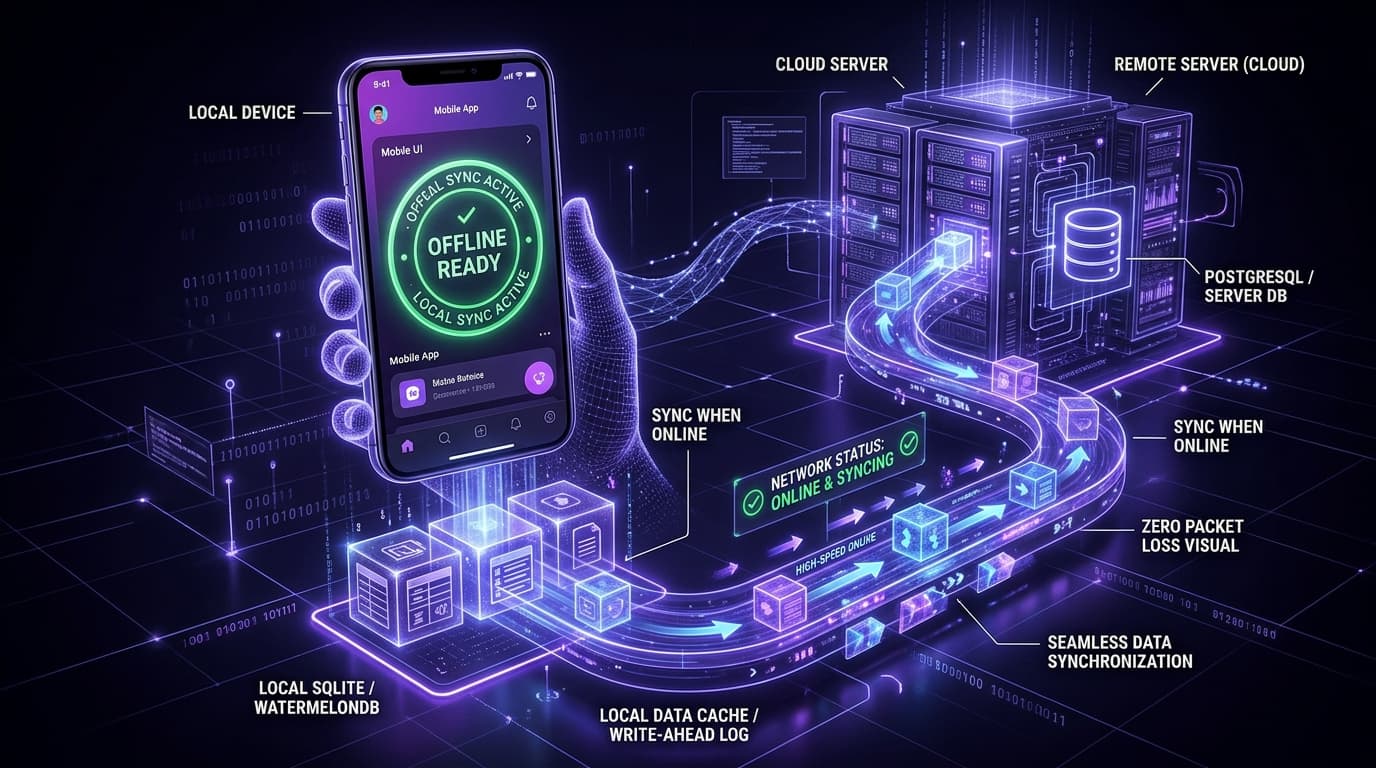
How to Build Offline-First Mobile Apps: Data Sync, Local DBs & Conflict Resolution
When network drops in field operations, healthcare, or remote regions, your app cannot freeze. Learn how to architect zero-data-loss, local-first mobile applications.
 Technical SEO
Technical SEO Checklist for Business Websites: The Complete 2026 Developer & Founder Guide
A developer-first technical SEO guide covering crawlability, canonical URL alignment, Core Web Vitals optimization, and rich schema markup for modern web applications.
Turn these architectural insights into reality.
Partner with BounceTech Solutions for custom software development, telemedicine apps, SaaS MVPs, and scalable cloud systems.